How to Track Every Rupee You Spend Without Losing Your Mind
A practical, low-effort system for tracking all your expenses using a combination of automatic tools and a simple weekly review process that takes just 10 minutes.
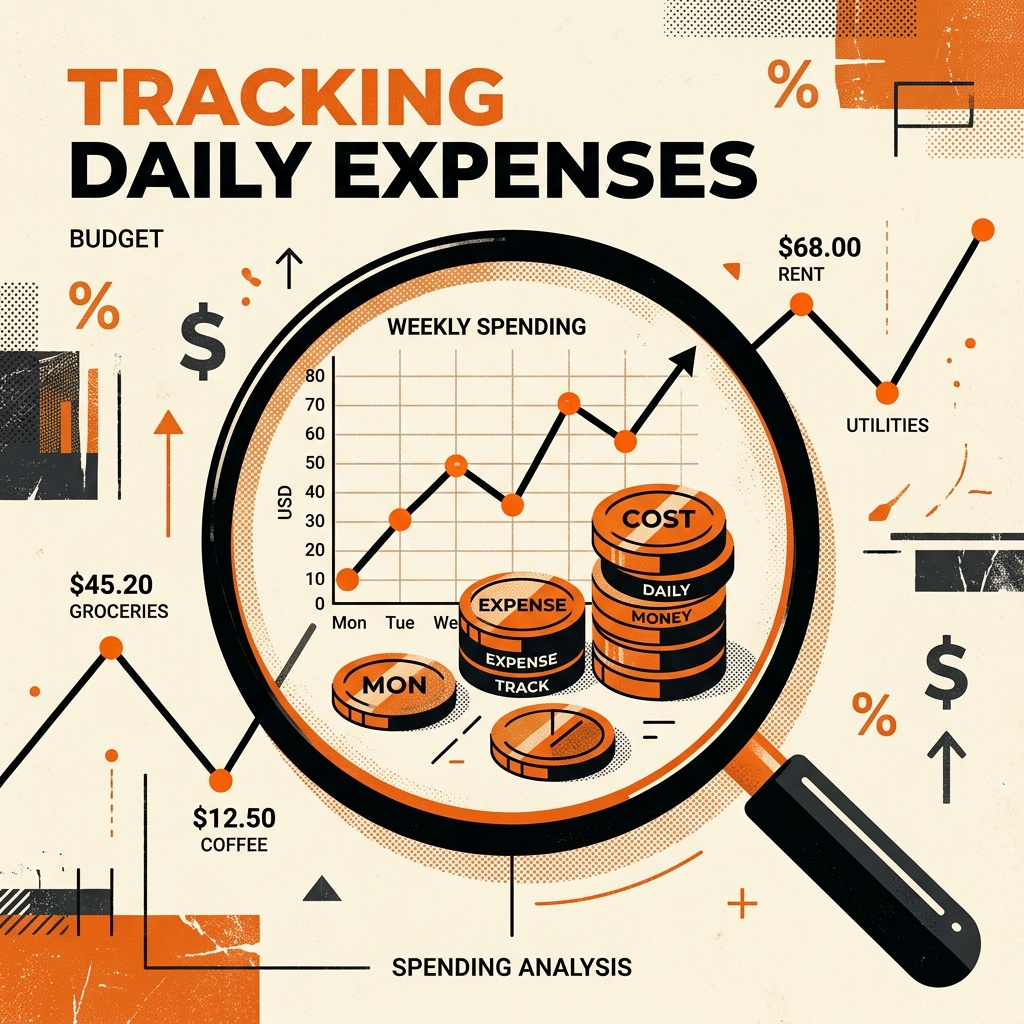
The biggest lie in personal finance is that you need to track every single transaction manually the moment it happens. That approach works for about three days before you forget to log your chai and spiral into “what’s the point” abandonment. After failing at expense tracking four times over two years, I finally built a system that works — and it takes less than 10 minutes per week.
The “Track Everything” Myth
Most expense-tracking advice tells you to record every purchase immediately. Open the app, enter the amount, select a category, add a note. Four times for a morning of errands. That’s 16 extra app interactions on a busy Saturday, each one reminding you that money is leaving your account. No wonder people quit.
The research backs this up: a study by the Financial Planning Association found that 67% of people who start manual expense tracking abandon it within 60 days. The primary reason isn’t laziness — it’s decision fatigue. Every transaction becomes a micro-decision (what category? was that a need or want?), and our daily decision-making capacity is finite.
The 10-Minute Weekly System
Here’s the system I’ve used consistently for 14 months. It has three components:
Component 1: Passive Collection (Zero Effort)
Set up automatic data capture so you don’t have to input anything during the week:
For UPI/Card transactions: Enable transaction SMS alerts from your bank. Every digital transaction generates an SMS that can be automatically captured by apps like Walnut or SMS-reading expense trackers.
For cash transactions: Keep a small note on your phone’s home screen (use the Sticky Notes widget on Android or the Notes widget on iOS). When you spend cash, take 3 seconds to type just the amount and a one-word description: “250 groceries” or “60 auto.” Don’t worry about categories yet.
For subscriptions and recurring charges: Create a simple list of all your recurring payments (Netflix, Spotify, phone bill, insurance EMI) at the start. These don’t change monthly, so you list them once and update only when something changes.
Component 2: The Saturday Review (10 Minutes)
Pick a fixed time each week — Saturday morning with your coffee, Sunday evening before dinner, whatever fits your routine. During this 10-minute session:
-
Open your SMS-based tracker (2 minutes): Review the auto-captured transactions. Correct any miscategorized items. Delete duplicates.
-
Check your cash notes (2 minutes): Transfer any cash transactions from your quick notes into your tracking system. If you forgot one, don’t stress — estimate it.
-
Scan your bank statement (3 minutes): Open your mobile banking app and scroll through the week’s transactions. Does anything look unfamiliar? Cross-reference with your SMS tracker.
-
Quick pulse check (3 minutes): Look at your category totals. Is food delivery higher than expected? Did you spend on something you forgot about? No judgment — just observation.
That’s it. Ten minutes. The key psychological trick is that you’re reviewing past spending, not making real-time decisions. It feels like analysis, not restriction.
Component 3: Monthly Pattern Recognition (20 Minutes, Once)
At the end of each month, spend 20 minutes looking at the bigger picture:
- Category comparison: How does this month’s food spending compare to last month?
- Surprise detector: What expenses caught you off guard? Birthday gifts? Car repair? These are candidates for your “irregular expenses” reserve.
- Trend watching: Are any categories creeping up month over month? A ₹200 monthly increase in food delivery seems trivial, but it’s ₹2,400 per year.
The Cash Problem (And How to Solve It)
The biggest gap in any expense tracking system is cash. Digital transactions auto-track; cash disappears into a void. Here are three approaches ranked by effort:
Low effort: Withdraw cash in fixed weekly amounts (say ₹2,000). Whatever remains on Saturday, subtract from your budget. You don’t need to track individual cash transactions — you just know you spent ₹2,000 minus whatever’s left in your wallet.
Medium effort: The “quick note” method described above. Takes 3 seconds per cash transaction and captures 80-90% of cash spending.
High effort: Photograph every receipt. There are apps that scan receipts and auto-extract the amount and merchant. High accuracy but requires discipline in collecting receipts.
My recommendation: go with the low-effort “fixed withdrawal” method. It captures the total accurately without any per-transaction friction.
Tools I Actually Use
After 14 months of iteration, my tool stack is:
- Walnut app (free): Auto-reads bank SMS, captures 90%+ of digital transactions
- Google Keep (free): Quick cash notes — literally just “amount + word” entries
- Google Sheets (free): Monthly summary sheet where I aggregate data from Walnut and Keep into category totals
Total cost: ₹0. Total weekly time: 10 minutes. Accuracy: approximately 92-95% of actual spending.
What “Good Enough” Tracking Looks Like
Perfectionism kills expense tracking. You don’t need 100% accuracy — you need pattern visibility. If your tracking captures 90% of transactions, you can still see:
- Whether you’re spending more on food delivery this month
- Whether your “fun money” is running out faster than expected
- Whether a new subscription is eating more budget than you realized
- Whether your overall spending is trending up or down
These patterns — not individual ₹50 transactions — are what drive meaningful financial decisions. A tracking system that captures 90% and actually gets used is infinitely better than a 100%-accurate system that gets abandoned in two weeks.
Starting Today: The 5-Minute Setup
- Enable bank SMS alerts (if not already on)
- Download Walnut or any SMS-based expense tracker
- Create a “Cash Spending” note on your home screen
- Set a recurring Saturday calendar reminder: “10-min money review”
- At the end of this month, do your first 20-minute monthly review
Don’t try to back-fill old transactions. Don’t set up elaborate spreadsheets. Don’t categorize everything perfectly. Just start capturing data today, review on Saturday, and let the habit build naturally. The perfect system is the one you actually use.
PayWise Team
Personal finance enthusiast and tech writer at PayWise. Passionate about making digital finance accessible to everyone through practical, experience-based guides.