7 Best Free Budgeting Apps in 2026: Tested and Compared
We spent 30 days testing the top free budgeting apps available in India. Here's an honest comparison of features, usability, privacy, and which one actually helps you save money.
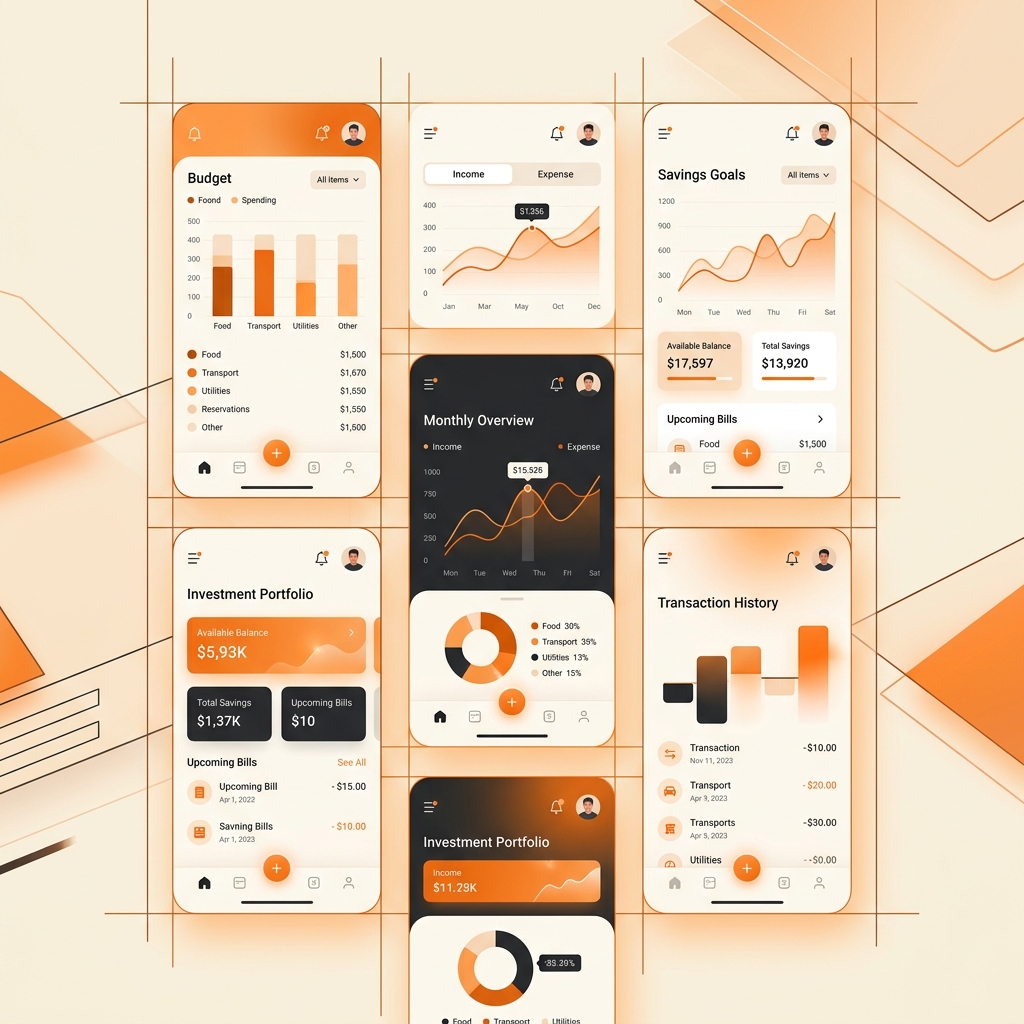
I downloaded 12 budgeting apps, used the 7 best ones for a full month each, and tracked every single transaction. Most “best budgeting apps” articles are barely disguised ads. This one is different — I’m going to tell you what actually worked, what was frustrating, and which app I kept on my phone after the experiment ended.
How I Tested
Each app was evaluated over 30 days of real daily use on the following criteria:
- Setup time: How long from download to tracking your first transaction
- Auto-tracking: Does it automatically import bank transactions or do you manually enter everything?
- Categorization accuracy: How well does it sort expenses into correct categories?
- Budget creation: How easy is it to set spending limits?
- Insights quality: Does it show you useful patterns or just raw numbers?
- Privacy: What data does it access and how is it stored?
- India-specific features: Does it understand UPI, Indian bank formats, and INR?
The Results
1. Walnut (Now axio) — Best Overall for India
Setup time: 3 minutes | Auto-tracking: Yes (SMS-based) | Privacy: Medium
Walnut reads your bank SMS messages to automatically log transactions — no manual entry needed. After a week, it had captured 94% of my transactions accurately. The remaining 6% were peer-to-peer UPI transfers where the SMS format didn’t include merchant names.
What works: The automatic categorization is genuinely impressive. It knows that “SWIGGY” is food delivery and “IRCTC” is travel without you teaching it. The monthly spending report with category breakdowns is clear and actionable. Bill reminders for credit cards and subscriptions are genuinely useful.
What doesn’t: It sometimes double-counts transactions when both the bank and the payment app send SMS. The “investment tracking” feature is basic — use a dedicated app like Groww for that. Privacy-conscious users will be uncomfortable with SMS access, though the app claims to process data locally.
Verdict: If you’re in India and want a “set it and forget it” budgeting app, Walnut is the most practical choice.
2. Money Manager — Best for Manual Tracking
Setup time: 5 minutes | Auto-tracking: No (manual) | Privacy: High
Money Manager takes the opposite approach — you enter every expense manually. This sounds tedious, but research consistently shows that the act of manually recording expenses creates stronger spending awareness than passive auto-tracking.
What works: The interface is clean and fast. Adding an expense takes 4 taps and about 8 seconds. The statistics page shows daily, weekly, and monthly breakdowns with clean bar charts. Category customization is excellent — you can create sub-categories like “Coffee” under “Food & Drink.”
What doesn’t: The free version has ads (non-intrusive but present). No bank sync means you’ll miss transactions if you forget to log them. The app hasn’t been redesigned in years, so the UI feels dated compared to newer competitors.
Verdict: Best choice for people who want full control and maximum privacy — no bank access, no SMS reading, just you and your spending data.
3. Goodbudget — Best for Envelope Budgeting
Setup time: 10 minutes | Auto-tracking: No | Privacy: High
Goodbudget digitizes the classic “envelope” budgeting method where you allocate fixed amounts to spending categories each month. When an envelope is empty, you stop spending in that category.
What works: The envelope metaphor is surprisingly motivating. Seeing your “Dining Out” envelope at ₹200 remaining on the 20th of the month creates a visceral “I should cook tonight” response. Shared envelopes work across devices — great for couples managing finances together.
What doesn’t: The free tier limits you to 10 envelopes, which is restrictive. No INR-specific features. Manual entry only, and the entry process is slower than Money Manager (6 taps vs 4).
Verdict: Excellent for couples and anyone who responds to visual spending limits.
4. CRED — Best for Credit Card Users
Setup time: 2 minutes | Auto-tracking: Yes (credit card sync) | Privacy: Low
CRED is technically a credit card bill payment app, but its spending analysis features are remarkable. It breaks down your credit card spending by category, merchant, and time pattern with elegant visualizations.
What works: The spending analysis is the best in this list. It shows you exactly how much you spent at Zomato this month vs. last month, your average transaction size at Amazon, and which day of the week you spend the most. The interface is premium and a pleasure to use.
What doesn’t: Only tracks credit card spending — not UPI, debit, or cash. The app aggressively pushes its own financial products (loans, rewards). It requires your credit card credentials, which is a significant privacy/security consideration. CRED’s business model is built on your spending data.
Verdict: Use it specifically for credit card analysis, but don’t rely on it as your primary budgeting tool.
5. Bluecoins — Best Feature-to-Price Ratio
Setup time: 7 minutes | Auto-tracking: Optional (SMS) | Privacy: Medium-High
Bluecoins is an underrated app that offers both manual and SMS-based tracking with extensive customization. It supports multiple accounts, currencies, and budgets simultaneously.
What works: The reporting engine is the most powerful in this list. You can generate reports by time period, category, account, payee, or any combination. CSV export means you can take your data to Google Sheets for deeper analysis. Multiple currency support is great for frequent travelers.
What doesn’t: The learning curve is steeper than other apps — the abundance of features can be overwhelming initially. The UI is functional but not beautiful. Some advanced features require the premium version.
Verdict: Best choice for detail-oriented users who want spreadsheet-level control in an app format.
6. Splitwise — Best for Shared Expenses
Setup time: 3 minutes | Auto-tracking: No | Privacy: Medium
While primarily an expense-splitting app, Splitwise’s group expense tracking doubles as a budgeting tool for shared households, trips, and roommate situations.
What works: The splitting algorithms handle complex scenarios beautifully — unequal splits, multiple currencies, and group debts are all calculated automatically. The “simplify debts” feature reduces a web of IOUs into the minimum number of payments needed to settle up.
What doesn’t: It’s not a standalone budgeting app. No personal budget creation, no spending analysis, and no bank integration. The free version now includes ads between actions.
Verdict: Essential if you share expenses regularly, but pair it with another app for personal budgeting.
7. Google Sheets — Best for Full Customization
Setup time: 30 minutes | Auto-tracking: No | Privacy: High (Google account)
This might sound unusual, but a well-designed Google Sheets budget template is the most powerful “budgeting app” available — and it’s completely free.
What works: Unlimited customization. You decide the categories, the formulas, the visualizations, and the reporting. Accessible from any device. Sharable with partners. You can build automation with Google Apps Script. No third-party company has access to your financial data.
What doesn’t: Requires initial setup effort. Manual data entry (unless you build automation). No push notifications or reminders. The mobile Sheets app isn’t as convenient as purpose-built budgeting apps.
Verdict: The best long-term solution if you’re willing to invest 30-60 minutes in setup. I’ve included a free template link in my separate article on Google Sheets budgeting.
My Final Recommendation
After 7 months of testing, I kept two apps:
- Walnut for automatic daily transaction tracking (the “did I really spend that much on food delivery?” awareness tool)
- Google Sheets for monthly budget planning and long-term financial tracking (the “big picture” tool)
The combination covers both real-time awareness and strategic planning without requiring manual entry for every transaction.
Your ideal choice depends on your personality. If you’re disciplined, manual tracking (Money Manager or Google Sheets) creates stronger habits. If you want automation, Walnut or Bluecoins will capture transactions without effort. And if you share expenses, Splitwise is non-negotiable regardless of what else you use.
The best budgeting app is the one you actually use consistently. Start with any option on this list, give it 30 days, and adjust from there.
PayWise Team
Personal finance enthusiast and tech writer at PayWise. Passionate about making digital finance accessible to everyone through practical, experience-based guides.